Sandvox: Build beautiful.

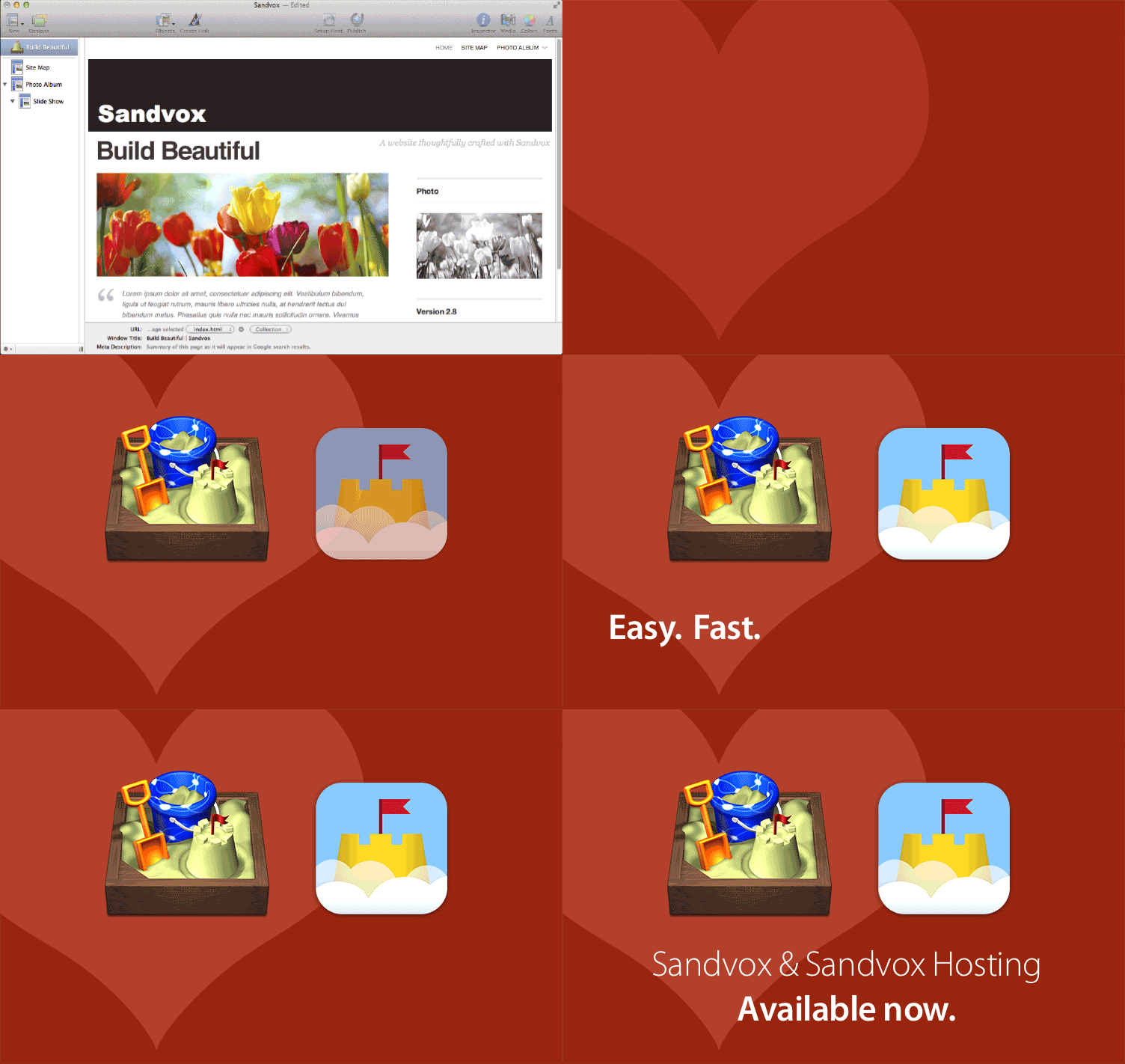
Combine power and flexibility with easy-to-use features
With Sandvox, anyone can build websites on a Mac easily and quickly, with no HTML expertise. All from an interface designed for those who want great results, without hassles!

Need a slick website?
Need it fast?
Create a website in minutes
You can do it yourself in minutes with Sandvox, in drag-and-drop fashion. Easily add your images, movies and content to any Sandvox website design and publish your own standards compliant HTML 5 website…FAST.
What will I need?
Just the material you want to publish, and Sandvox. Gather images and write or organize what you want to put on your website, and you’re ready! You won’t need HTML or design expertise-Sandvox handles that for you.
Steps: drag, drop, publish.

Choose a design
Sandvox does the “heavy lifting” of creating code for websites behind the scenes. Use Sandvox’s clean, familiar, Mac-style interface to pick a site design framework from the Sandvox gallery of designs (dozens to choose from!).
Designs
Add your content
Build your web pages by adding text, dragging and dropping photos, videos, and more. Sandvox lets you drag and drop content, integrate with Twitter and Facebook, add YouTube videos and more, AND see how it looks right on the screen, as you go.
Watch Screencast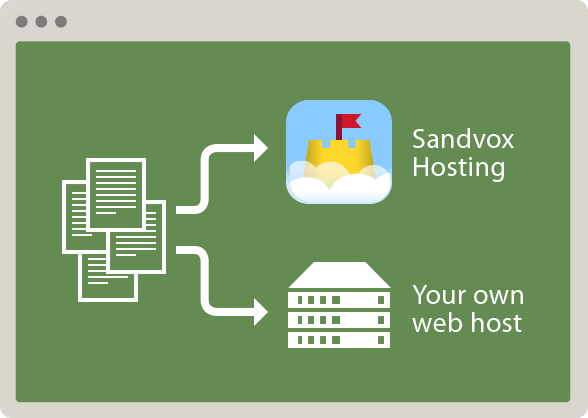
Publish
Sandvox websites are built with HTML 5, and are compatible with all popular web browsers across both the Mac and PC platforms, as well as mobile devices and tablets like iPhone and iPad. With Sandvox, creating a beautiful website really is no fuss, no muss.
Features
Sandvox Hosting makes hosting a Sandvox site super-easy and fast, without complex administration. Put it to the test with a completely free, no obligation 14 day trial.
Sandvox customers say...
I love everything about Sandvox! It was so easy to put together all the information we wanted in our website. When I came across some troubles with how I wanted to do something, the help tool was indeed very helpful.
[Sandvox] has an amazing range of features packed inside an easy to use interface. I can go crazy or just do a quick and easy job with it. It is very intuitive to use and has few quirks.
I was dreading rebuilding my website. But with Sandvox, building a website was fun. I created it, added new content and published it in one evening. I love everything about Sandvox.
I’m a middle school teacher who doesn’t have a lot of time …. Sandvox … allows me to quickly and easily provide my students with all the information they need … it really looks great.
iWeb users: move up to Sandvox


Tried iWeb? Looking for an alternative?
Whether you have a site “on ice,” or are just looking to improve a site originally created with iWeb, Sandvox is a great alternative.
Karelia and the Sandvox community have a long history of welcoming folks moving up from iWeb-created sites to a tool that is more powerful, more flexible, and optimized for search engines. That’s Sandvox.
If you’re considering making the move, Sandvox features an “extractor” to help you move your content to a new Sandvox website. We’ve outlined what you need to know in advance, and what others who have made the transition have to say.
Sandvox reviews

Beginning designers, or those who want to quickly create template-based sites packed with features, should give Sandvox 2 a look.

Sandvox 2 is an excellent visual website-design tool for individuals and businesses that need to create attractive sites without having to learn the HTML/CSS/JavaScript that goes into it.

Overall, Sandvox is an excellent option for anyone who wants to quickly create basic but still useful and attractive Web sites.

The folks at Karelia are keen to offer a more modern and fairly compatible web builder to folks like me that are ready to graduate to more robust websites.